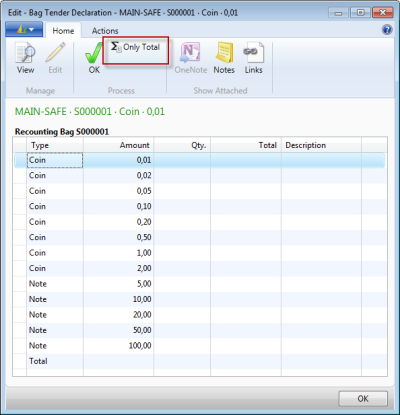
After posting a declaration and getting a Z-report, you can do a re-count for safe bags:
- Go to LS Retail - BackOffice - Store Management - Lists - End-of Day - Safe Management - Store Safes, and select a safe.
- On the Navigate action menu, click Open Bags.
-
The Safe Bag List card for open bags is displayed. On the Actions menu, click Re-Count Bag.
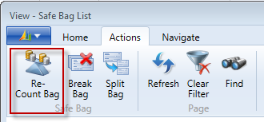
-
If you click the By Denomination action, the bag will be recounted by denomination after your confirmation.
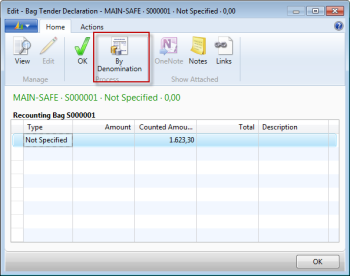
-
The action changes to Only Total, and if you click it, the Only Total action takes you back to the previous card.